
Digitizing photos is one of the best ways to keep your memories safe for years. Many families still have old albums filled with moments that matter. Over time, these pictures start to fade, lose color, or gather scratches. That is why digitizing photos becomes so helpful. It gives a new life to old prints. You can store them on your phone, laptop, or cloud space. You can also share them with your family in seconds. With a few easy steps, you can protect your memories and make sure they stay bright and clear.
Why Old Photos Need Extra Care
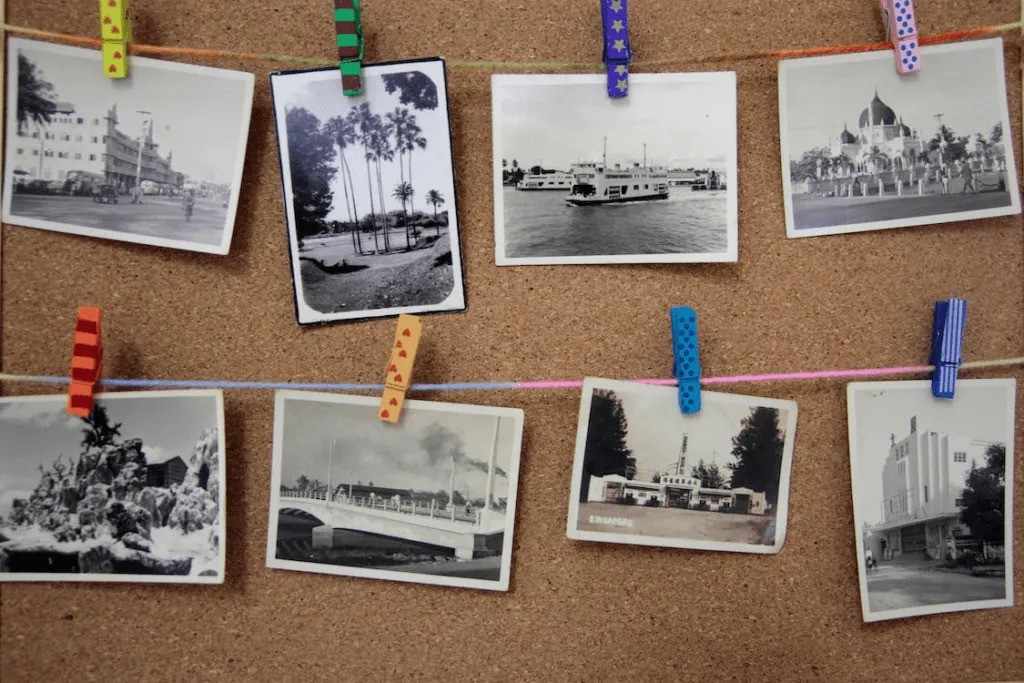
Printed photos can get damaged with age. Sunlight, heat, dust, and moisture can change how they look. The colors fade, edges curl, and surfaces crack. This makes many memories harder to enjoy.
Digitizing them helps you keep every moment safe. Once your photos are in a digital format, they do not fade or tear. You can save them in many places. You can also make copies anytime you want.
How Digitizing Protects Your Family History
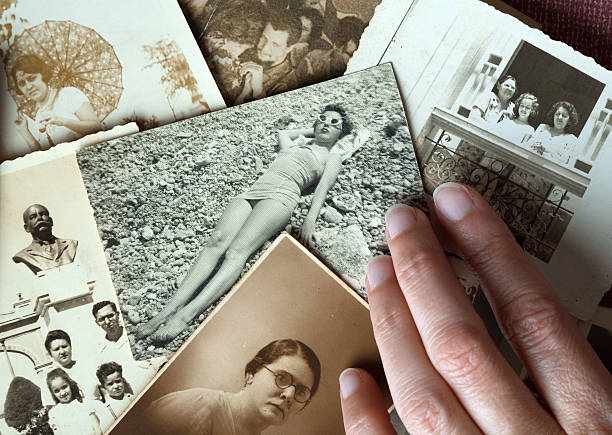
Your photo albums hold stories from the past. These pictures show childhood moments, family gatherings, travel memories, and faces that matter. But printed photos do not last forever. Scanning and saving them as digital files protects each story.
Clear Copies for the Future
Digital files stay clear even after many years. They do not lose quality. This means your grandchildren will see the same warm moments you see today.
Easy to Share
You can send digital pictures to family members far away. You can create online albums, slideshow videos, or gift prints.
Safe Backup
You can save digital copies on multiple devices. If one device stops working, you still have other backups.
Tools That Help You Digitize Easily
There are many tools that help convert prints to digital images. Each tool has its own features. You can pick the one that feels right for your needs.
Phone Scanning Apps
Many apps let you scan pictures using your phone. You hold your phone over the print. The app captures it and removes shadows. These apps help when you want quick scans.
Home Scanners
A flatbed scanner gives clean and sharp results. This works well for photos that need more care and detail.
Professional Digitizing Services
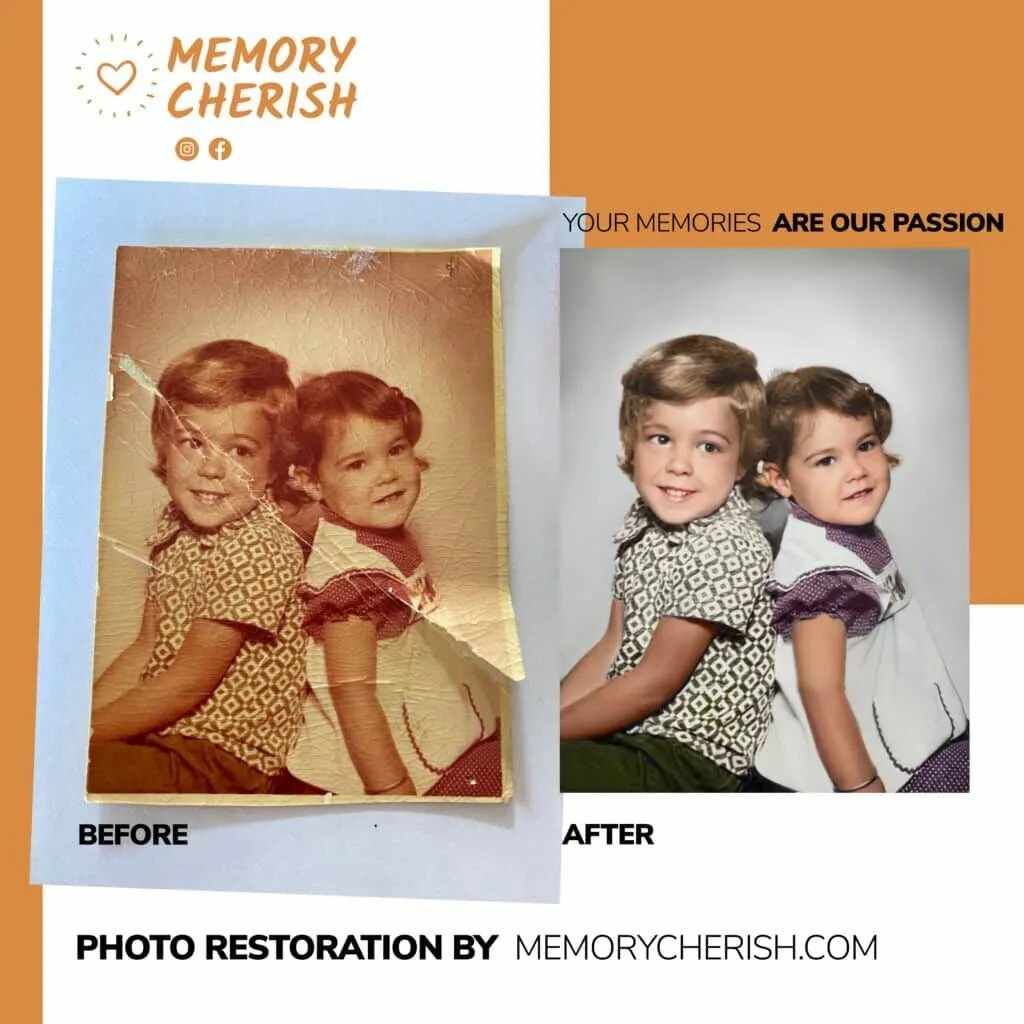
Some photos need expert work. Torn, faded, or stained pictures often need advanced tools. Professionals remove marks, fix colors, sharpen details, and restore clarity. This is helpful for old family albums.
Steps to Start Digitizing Your Collection
Digitizing your pictures may feel like a big job, but breaking it into small steps makes it easy.
Step 1: Sort Your Photos
Pick the photos you want to save first. Start with old or damaged pictures. These are the most important to protect.
Step 2: Clean the Prints
Use a soft cloth to remove dust. Do not use water or cleaning liquids. A clean surface helps you get a better scan.
Step 3: Scan Each Photo
Use your scanner or phone app to capture the picture. Make sure there is enough light. Keep the photo flat to avoid distortions.
Step 4: Save in High Quality
Choose a format like PNG or high-quality JPEG. This helps keep details clear.
Step 5: Store Your Images
Place the digital files in folders. Label them by year, event, or family member. This makes it easy to find each memory later.
Things That Improve Your Digital Copies
Every picture is different, so improving your digital copies helps you get the best results.
Color Fixing
Some old prints turn yellow or lose their natural tones. Light color adjustments can make them look fresh.
Brightness control
Dark pictures can look new again with better brightness settings.
Sharpness touch-ups
Some scans look soft or a bit blurry. A small sharpness boost can bring back details.
Cropping
Cropping removes empty or uneven edges. This makes the picture look clean.
How Digital Photos Make Life Easy
Once your photos are saved digitally, you can use them in many ways.
Create gifts: Make calendars, photo books, mugs, and frames.
Share online: Send them to family or friends through social media or email.
Make slideshows: Create videos for birthdays, weddings, or family gatherings.
Print again: You can print new copies anytime without losing quality.
Digital photos give you more ways to celebrate your memories.
Keep Your Digital Photos Safe
Digital files last longer than printed photos, but they still need care.
Make Copies
Save your collection in at least two places. You can use a hard drive and a cloud folder.
Use Good Storage
Keep your digital files in organized folders. Add names and dates to each file.
Update Devices
Move your files to new devices when older ones slow down or fill up.
Small steps like these help protect your memories.
Bring Your Old Memories Back with Expert Care
If your old pictures are faded, torn, or losing detail, expert help can bring them back. A trusted team can repair cracks, fix colors, sharpen faces, and remove marks. This saves the memories that matter most. Memory Cherish offers warm, clean, and careful work for old photos. They help you protect the moments you love and bring life back to each picture. Your memories can stay safe, bright, and ready to share with the next generation.


Write a comment ...